News

How Does a Car DSP Processor with 4-Channel AMP and 8-Channel Processing Improve In-Car Audio?

2026-11-26 0 Leave me a message


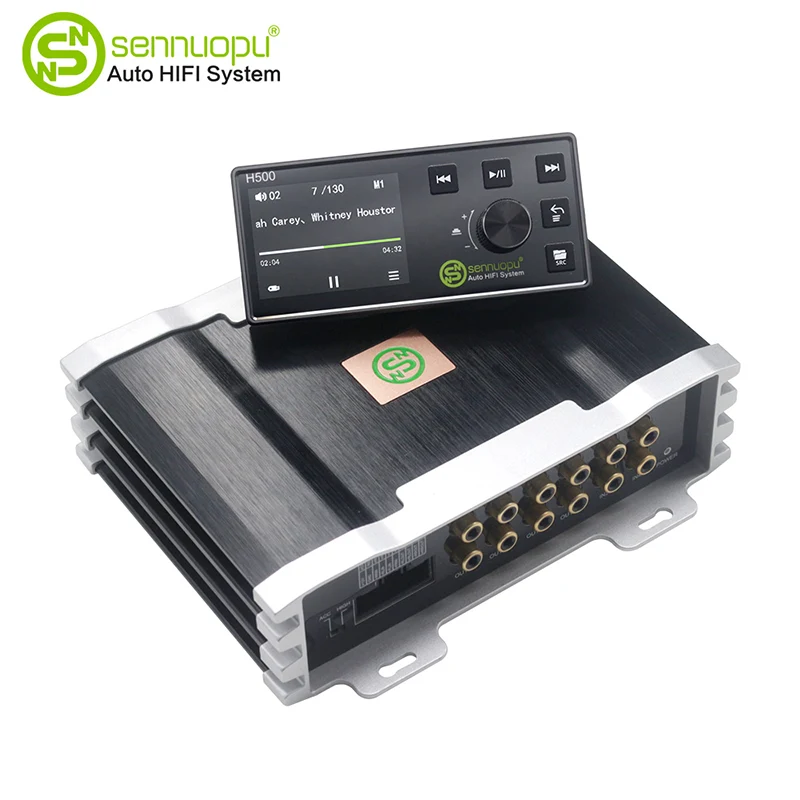
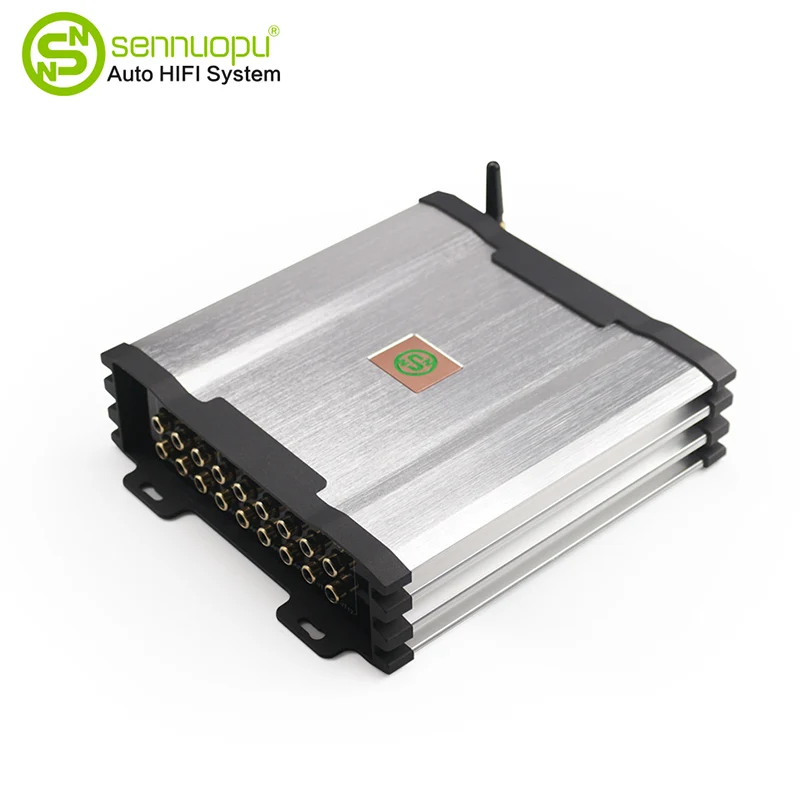
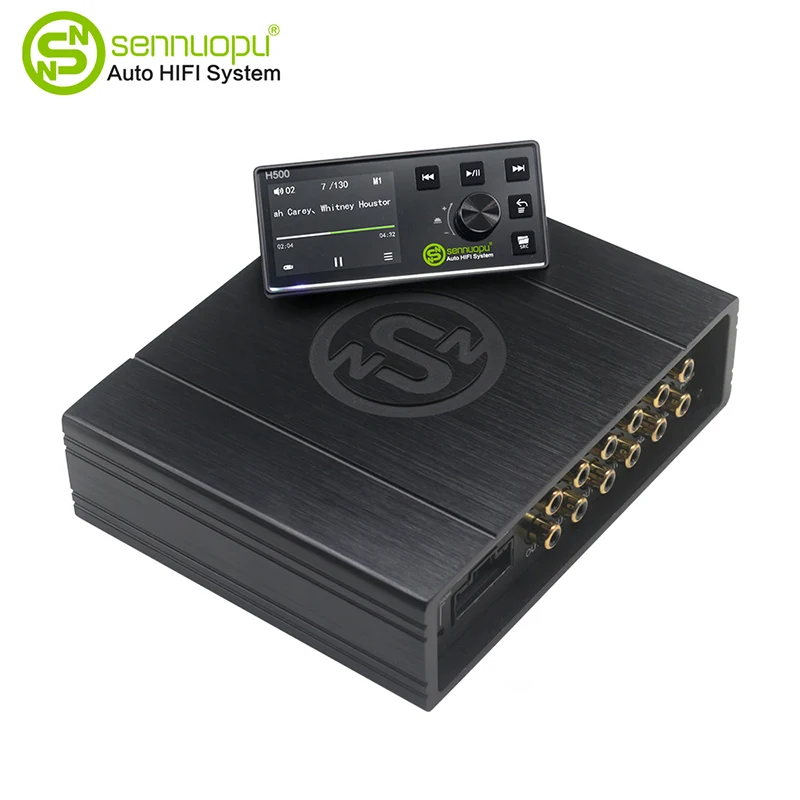
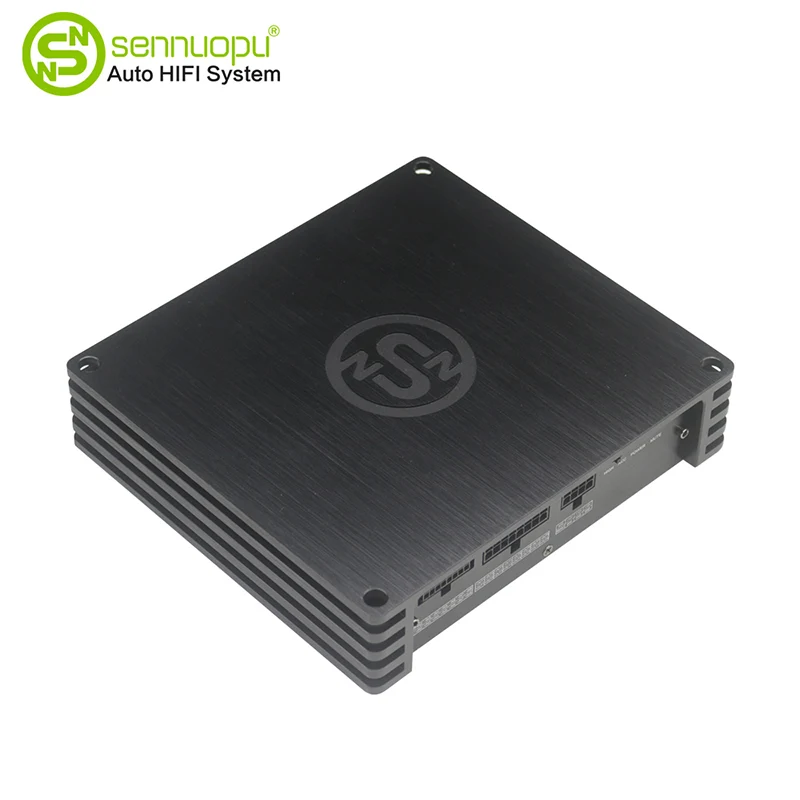
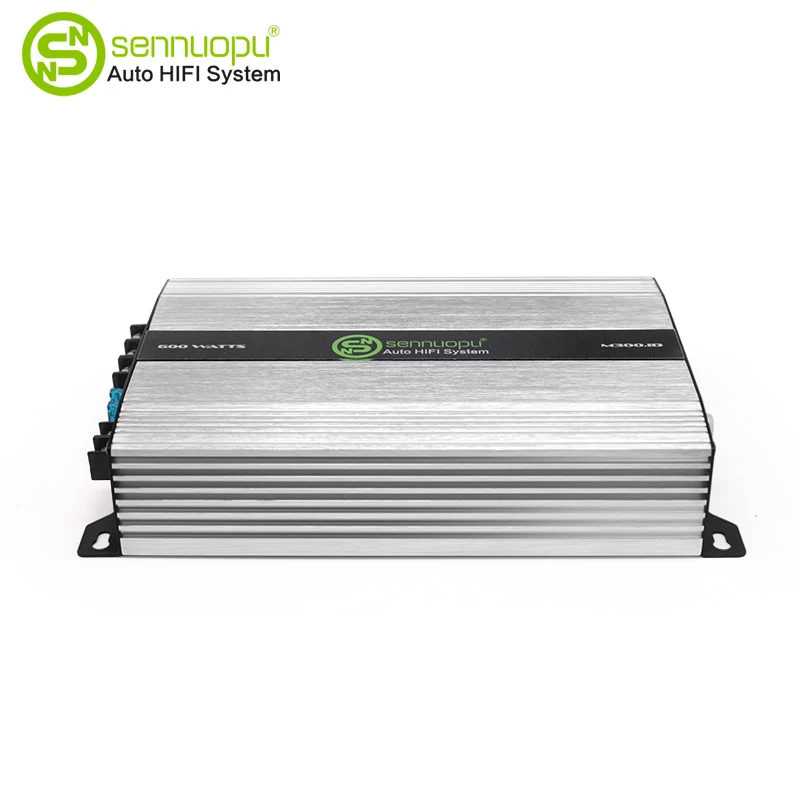
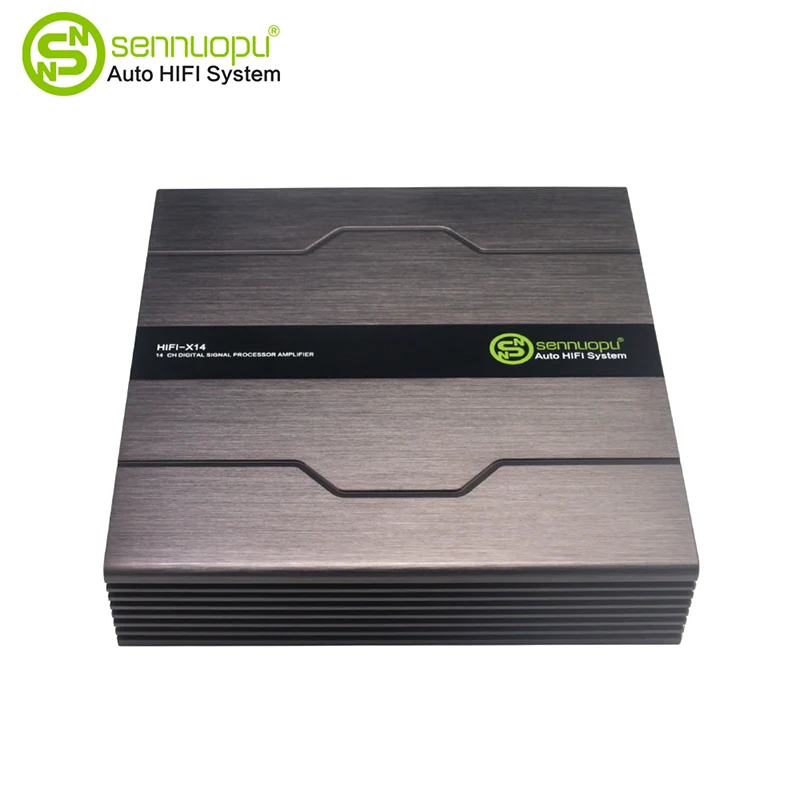
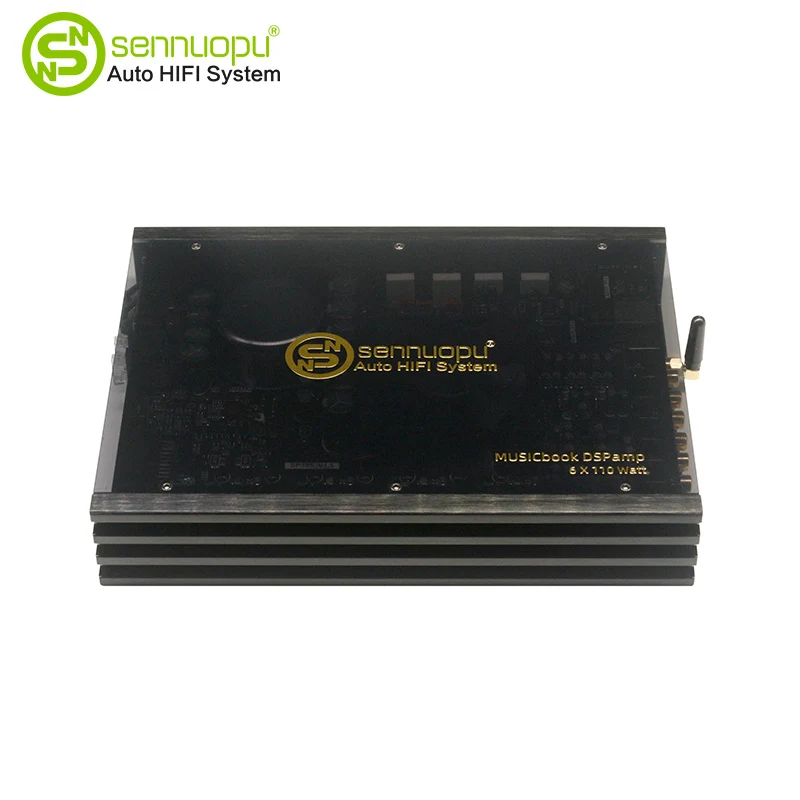
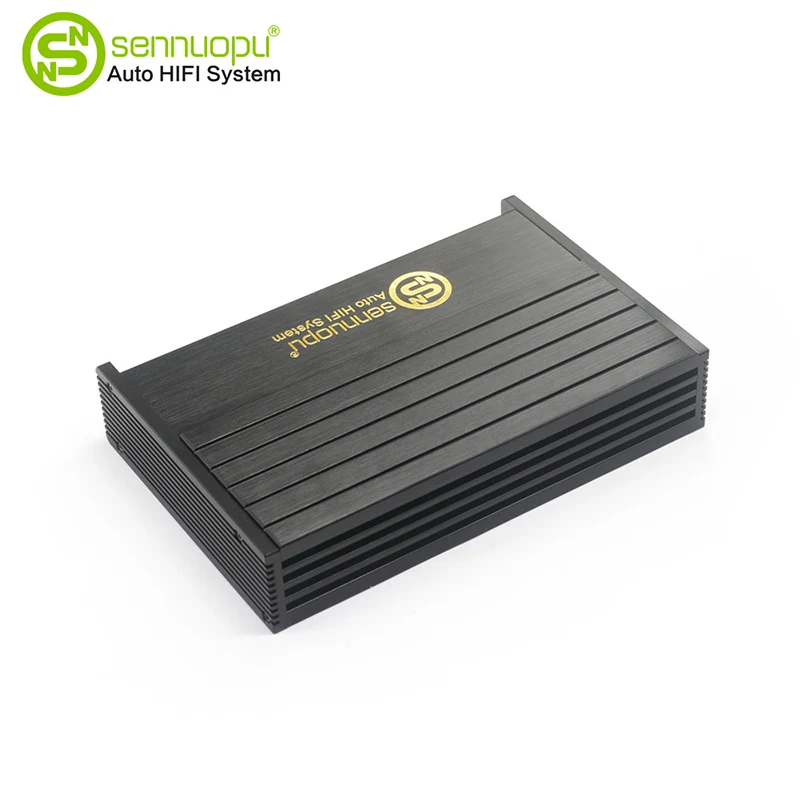
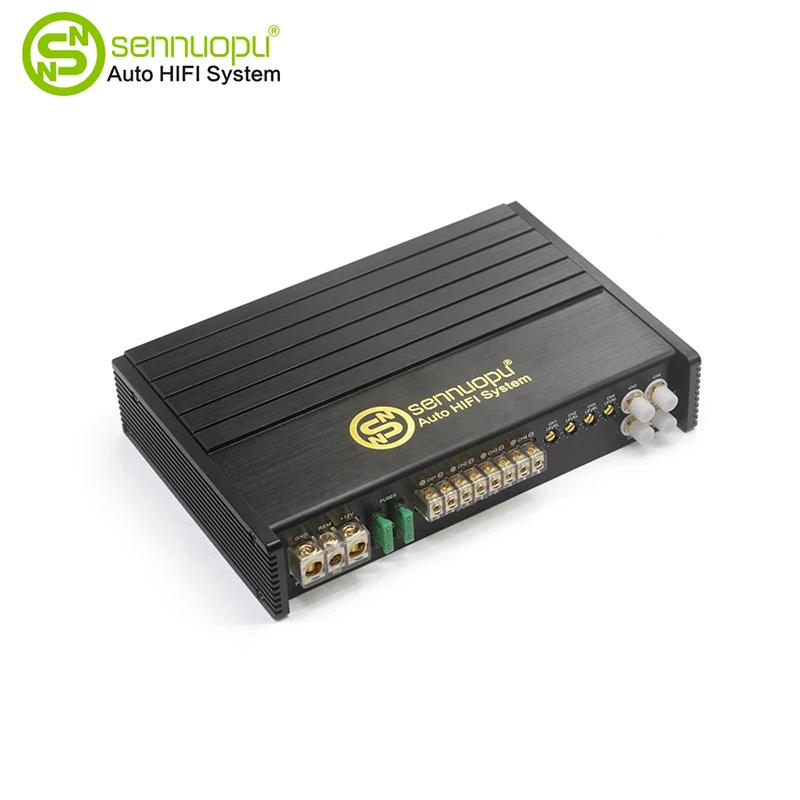
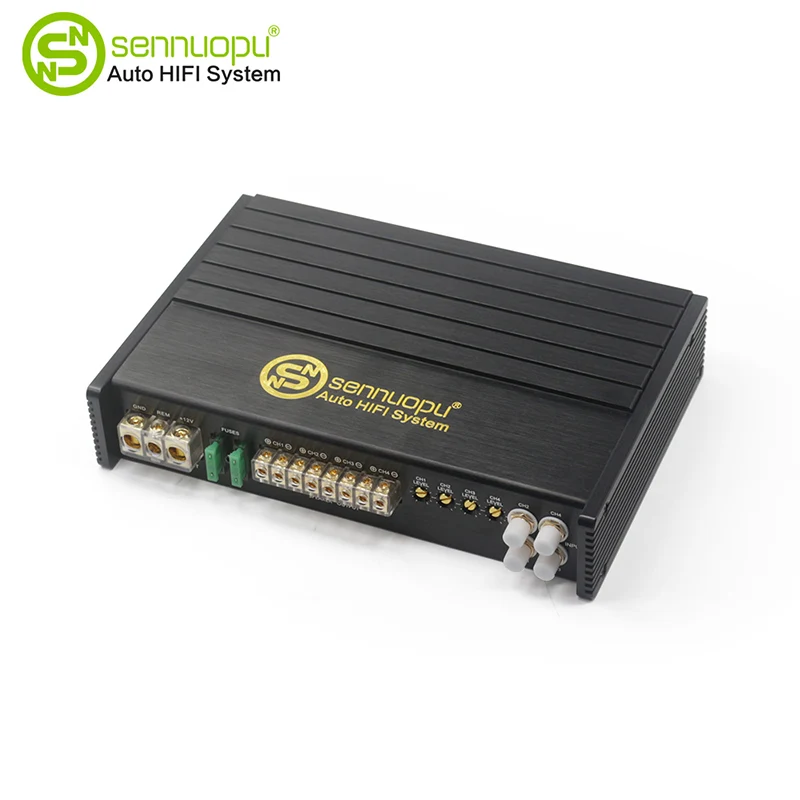
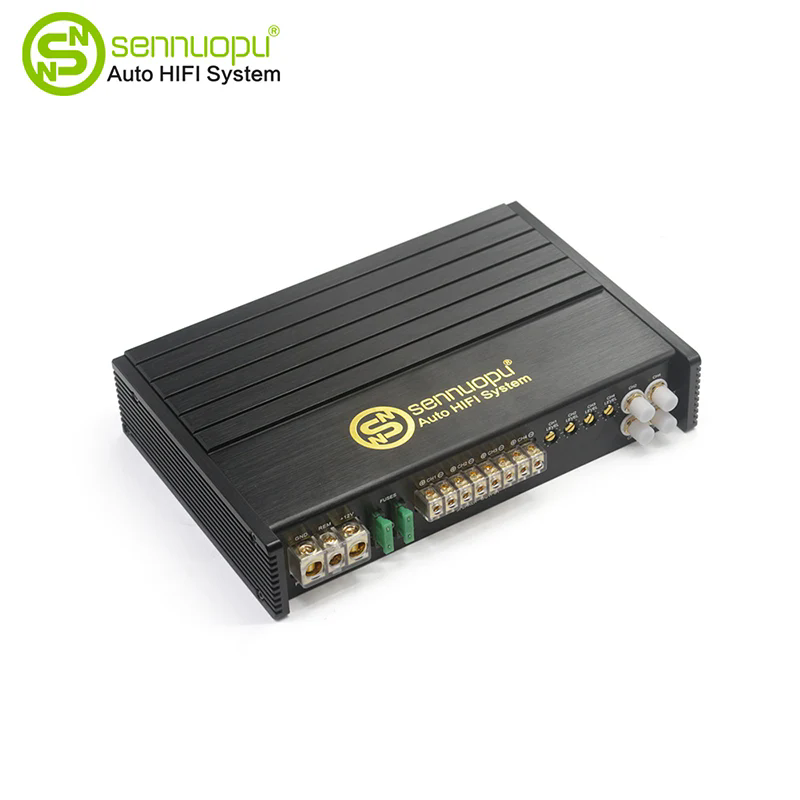
A Car DSP Processor 4 Ch AMP 8 CH Digital Sound Processors solution combines signal processing capabilities with amplification in a compact audio system. It can provide a practical foundation for organizing multiple speaker channels, refining frequency response, and creating a more balanced listening experience. Understanding how its processing and amplification functions work helps buyers and installers plan a system that matches their vehicle and audio requirements.


Car DSP Processor 4 Ch AMP 8 CH Digital Sound Processors

1. Understanding a Car DSP Processor

A digital signal processor, commonly called a DSP, is an electronic device that modifies and manages audio signals before they reach the speakers or amplifiers. Unlike a basic audio connection that simply transfers a signal from one component to another, a DSP provides tools for adjusting how the signal behaves.

In a vehicle, this capability is especially useful because the listening environment is acoustically challenging. The driver and passengers sit at different distances from the speakers. Glass, seats, dashboards, and door panels reflect or absorb sound in different ways. Speaker locations are also determined by vehicle design rather than ideal acoustic positioning.

A DSP helps installers compensate for some of these limitations. Depending on the device, its configuration software may allow users to adjust equalization, crossover frequencies, output levels, signal delay, and routing. These controls make it possible to build a more coordinated system without relying only on the original factory audio settings.

What does the 4 Ch AMP and 8 CH description mean?

The terms describe two different aspects of an audio system. A 4-channel amplifier refers to four amplification channels, while 8-channel digital processing refers to the ability to manage multiple processed audio outputs or channels. They should not be treated as interchangeable specifications.

In a combined product, the built-in amplifier may power a selected group of speakers while additional processed outputs can be used with external amplification, depending on the actual hardware design. Buyers should always confirm the number and type of physical inputs and outputs, amplifier ratings, and supported signal configurations in the product documentation.


2. How 4-Channel Amplification and 8-Channel Processing Work Together

A multi-channel DSP system separates the audio signal into different paths so that individual speakers or speaker groups can receive signals suited to their roles. For example, a front left speaker, front right speaker, rear speakers, and subwoofer may require different frequency ranges, levels, and timing adjustments.

The DSP section handles signal management. It receives audio from compatible sources, processes the signal, and sends the resulting channels to the appropriate outputs. The amplifier section increases the electrical power available to drive connected speakers.

A simplified signal path

  1. Audio source: The head unit or another compatible source supplies the original audio signal.
  2. DSP input: The processor receives the signal through supported input connections.
  3. Digital processing: The system applies routing, equalization, crossover, level, and delay settings.
  4. Amplification: The built-in amplifier drives the speakers connected to its amplified outputs.
  5. Additional outputs: Where provided, processed outputs can feed external amplifiers or other compatible equipment.

This arrangement can simplify system design because several audio management functions are brought together in one device. It may also reduce the need for separate processing equipment, depending on the number of speakers and the required power output.

Important specification note: Eight processed channels do not automatically mean eight amplified speaker channels. Confirm which outputs are amplified and which are line-level or otherwise designed for external equipment.

3. Why Digital Signal Processing Matters

Without suitable signal control, a vehicle audio system may reproduce certain frequencies too strongly while others sound weak. The result can be muddy bass, harsh treble, unclear vocals, or an uneven listening experience between the driver and passenger seats.

Digital processing gives installers more precise control over these characteristics. Instead of changing the entire system whenever one speaker sounds unbalanced, they can adjust individual channels or frequency ranges. This is particularly valuable in systems with component speakers, rear fill, and a dedicated subwoofer.

More control over individual speakers

Different speakers are designed to reproduce different parts of the audio spectrum. A tweeter handles high frequencies, a midrange driver focuses on vocal and instrumental detail, and a subwoofer reproduces low-frequency energy. A DSP can help distribute suitable frequency ranges to each speaker, reducing unnecessary workload and improving integration.

Better adjustment for the vehicle interior

Vehicle interiors are rarely symmetrical listening spaces. A driver sitting close to the left speaker may hear its output earlier and more strongly than the sound from the right side. Processing tools can help balance these differences, although the final result still depends on measurement, speaker placement, installation quality, and careful tuning.


4. Key Functions That Shape Sound Quality

4.1 Equalization

Equalization adjusts the level of selected frequency ranges. If a particular frequency band sounds excessive, an installer may reduce it. If a measured response reveals a moderate weakness, a carefully chosen adjustment may help improve tonal balance. Excessive boosting should be avoided because it can increase distortion and reduce available system headroom.

4.2 Active crossover

A crossover divides the audio signal into frequency ranges for different speakers. For example, low frequencies can be directed to a subwoofer while higher frequencies are sent to smaller drivers. Correct crossover settings help each speaker operate within an appropriate range.

4.3 Time alignment

Because speakers are installed at different distances from the listener, their sound may arrive at different times. Time alignment introduces controlled signal delays to improve synchronization. When configured carefully, it can help create a more stable sound image and improve the sense of placement across the dashboard.

4.4 Channel level adjustment

Individual output levels allow installers to balance the relative volume of different speakers. This is useful when speakers have different sensitivities, positions, or acoustic roles.

4.5 Signal routing

Routing determines which input signals feed which processed outputs. Flexible routing can support different speaker layouts, but the available configurations depend on the device's actual input and output architecture.

DSP Function Main Purpose Potential Benefit
Equalization Adjusts frequency response More balanced tonal character
Crossover Separates frequency ranges Better speaker integration
Time alignment Adjusts signal arrival timing Improved sound imaging
Channel level Balances output levels More consistent speaker output
Signal routing Assigns inputs to outputs Flexible system configuration

5. Planning a Multi-Speaker Audio System

Before selecting a processor, installers should identify the speakers that will be used and determine how each one needs to be connected. A system with four amplified speaker channels and additional processed outputs may support a different layout from a system that requires every speaker to have its own external amplifier.

Start with the speaker layout

  • List all front and rear speakers.
  • Identify whether the front speakers are coaxial or component designs.
  • Determine whether a separate subwoofer is required.
  • Check whether additional amplifiers are already installed.
  • Decide whether the system needs independent processing for each speaker.

After mapping the speaker layout, compare it with the DSP's actual channel architecture. This simple step can prevent the common mistake of purchasing a processor based only on the number in its product name.

Consider the listening objective

Some users prefer a natural, balanced sound for daily driving. Others want stronger low-frequency output or a more focused front soundstage. These preferences influence speaker selection, crossover configuration, amplifier requirements, and tuning priorities.


6. Matching the DSP with Other Components

Compatibility is essential when integrating a DSP processor into an existing vehicle audio system. A technically advanced processor may still be unsuitable if its input connections, signal levels, output types, or amplifier ratings do not match the other components.

Component What to Check Why It Matters
Head unit Supported input type and signal level Ensures a suitable source connection
Speakers Impedance, power handling, sensitivity Supports safe and appropriate operation
External amplifier Input type, gain range, channel requirements Helps avoid connection and level mismatches
Subwoofer Impedance and amplifier compatibility Ensures the low-frequency section is properly driven
Vehicle electrical system Supply voltage and current requirements Supports stable system operation

Installers should also review supported audio formats, control software, firmware requirements, and available connection accessories. If the system uses a factory head unit, confirm whether its signal can be integrated correctly without losing important factory functions.


7. Installation and Configuration Considerations

Correct installation protects the equipment and creates a reliable foundation for tuning. The processor should be mounted securely in a location with suitable ventilation and protection from moisture, excessive heat, and physical damage.

Power and grounding

Use wiring that is appropriate for the device's specified current requirements. Power connections should be properly fused, and grounding should follow the manufacturer's installation instructions. Poor electrical connections can cause noise, intermittent operation, or unstable performance.

Signal wiring

Keep signal wiring organized and avoid routing it unnecessarily close to high-current power cables. Secure connectors and check polarity before powering up the system. Incorrect connections may affect channel operation or create unwanted noise.

Initial setup

  1. Confirm the wiring against the product manual.
  2. Check speaker impedance and amplifier compatibility.
  3. Set conservative output levels before testing.
  4. Configure the input and output routing.
  5. Apply suitable crossover settings for the connected speakers.
  6. Measure and adjust channel levels and time alignment.
  7. Test at moderate volume before normal use.

8. Common Audio Problems and Practical Solutions

Weak or unclear bass

Weak bass may result from incorrect crossover settings, reversed speaker polarity, unsuitable subwoofer placement, or insufficient amplifier capability. Check the signal path and speaker connections before increasing equalization.

Harsh or tiring high frequencies

Excessive treble can be related to speaker positioning, reflective surfaces, or overly aggressive equalization. Review the measured response and make moderate adjustments rather than applying large cuts or boosts without diagnosis.

Unbalanced left and right channels

Differences in speaker distance, sensitivity, and installation can make one side appear louder. Channel level adjustment and time alignment may help, provided the wiring and source signals are correct.

Noise or interference

Noise can originate from poor grounding, damaged cables, incorrect gain structure, or interference from nearby electrical equipment. Inspect the wiring and connections systematically instead of assuming that the DSP itself is defective.


9. How to Evaluate a DSP Solution Before Buying

Buyers should evaluate a processor according to the actual system requirements rather than focusing on a single headline specification. A suitable product should offer the right combination of processing flexibility, amplifier capability, compatibility, installation convenience, and technical support.

  • Processing channels: Confirm the number of independently configurable channels.
  • Amplifier channels: Verify how many outputs provide built-in amplification.
  • Power ratings: Review output power under the stated test conditions and supported impedance.
  • Input options: Check compatibility with the intended head unit or audio source.
  • Output options: Confirm whether additional amplifiers can be connected.
  • Adjustment tools: Review crossover, equalization, delay, and routing capabilities.
  • Software support: Check configuration tools, operating system compatibility, and update arrangements.
  • Documentation: Request a clear manual, wiring diagram, and complete specification sheet.

For professional buyers, it is also useful to discuss installation scenarios, product consistency, quality control, customization requirements, and after-sales support with the supplier.


10. Applications and User Benefits

A DSP processor with integrated amplification can be useful in different vehicle audio projects. It may suit upgrades to factory audio systems, custom speaker installations, and systems that require a combination of internal and external amplification.

Factory audio upgrades

For vehicles with limited factory adjustment options, an external DSP solution can provide additional control over frequency response, speaker balance, and signal distribution. Compatibility with the original head unit should be confirmed before installation.

Custom car audio installations

Installers building multi-speaker systems can use independent processing to coordinate front speakers, rear speakers, and subwoofer channels. This helps create a more organized system architecture.

Professional installation businesses

For workshops, a processor that combines multiple functions may help simplify component selection and installation planning. The real benefit depends on the product's channel configuration and the requirements of each vehicle project.

About Guangzhou Nisson Automobile Products Co., Ltd.

Guangzhou Nisson Automobile Products Co., Ltd. focuses on automotive audio products and solutions for customers seeking practical ways to improve in-car sound systems. When evaluating a car DSP processor, professional buyers should consider not only the product's advertised functions but also its technical specifications, compatibility, installation requirements, and available support.

A clear understanding of the intended speaker layout and audio objectives helps ensure that the selected equipment is suitable for the project. Working with a supplier that can provide detailed product information makes the evaluation process more efficient.


11. Frequently Asked Questions

Q1: What is a car DSP processor used for?

A car DSP processor manages and adjusts audio signals before they reach the speakers or amplifiers. Common functions include equalization, crossover control, time alignment, channel level adjustment, and signal routing.

Q2: What does 4-channel AMP mean?

It generally refers to four built-in amplifier channels. These channels can drive compatible speakers directly, provided the speaker impedance and power requirements are within the amplifier's specified operating range.

Q3: Does an 8-channel DSP have eight built-in amplifiers?

Not necessarily. Processing channels and amplified channels are different specifications. An 8-channel DSP may provide processed outputs that require external amplification. Buyers should check the output descriptions in the product manual.

Q4: Can a DSP improve factory car audio?

It can provide more adjustment options and help address some factory system limitations. The result depends on signal compatibility, speaker quality, installation, and tuning.

Q5: Is professional tuning necessary?

Basic settings may be configured by an experienced user, but measurement-based tuning is recommended when precise sound balance and imaging are important. Incorrect settings can reduce sound quality or place unnecessary stress on speakers.

Q6: Can external amplifiers be used with a DSP processor?

Yes, if the processor provides compatible outputs and the external amplifiers accept the corresponding signal type. Confirm the connection method and output levels before installation.

Q7: What information should buyers request before ordering?

Request the full specification sheet, channel configuration, amplifier power ratings, supported impedance, input and output details, wiring diagram, software information, and warranty terms.

Build a More Refined In-Car Audio System

The right DSP solution starts with a clear understanding of your vehicle, speaker layout, and sound requirements. Guangzhou Nisson Automobile Products Co., Ltd. welcomes inquiries from automotive audio distributors, installers, and professional buyers.

Contact us to discuss product specifications, system compatibility, and suitable car audio solutions for your next project.

Related News
Leave me a message
X
We use cookies to offer you a better browsing experience, analyze site traffic and personalize content. By using this site, you agree to our use of cookies. Privacy Policy
RejectAccept